
-

Step 1: Book Your Session
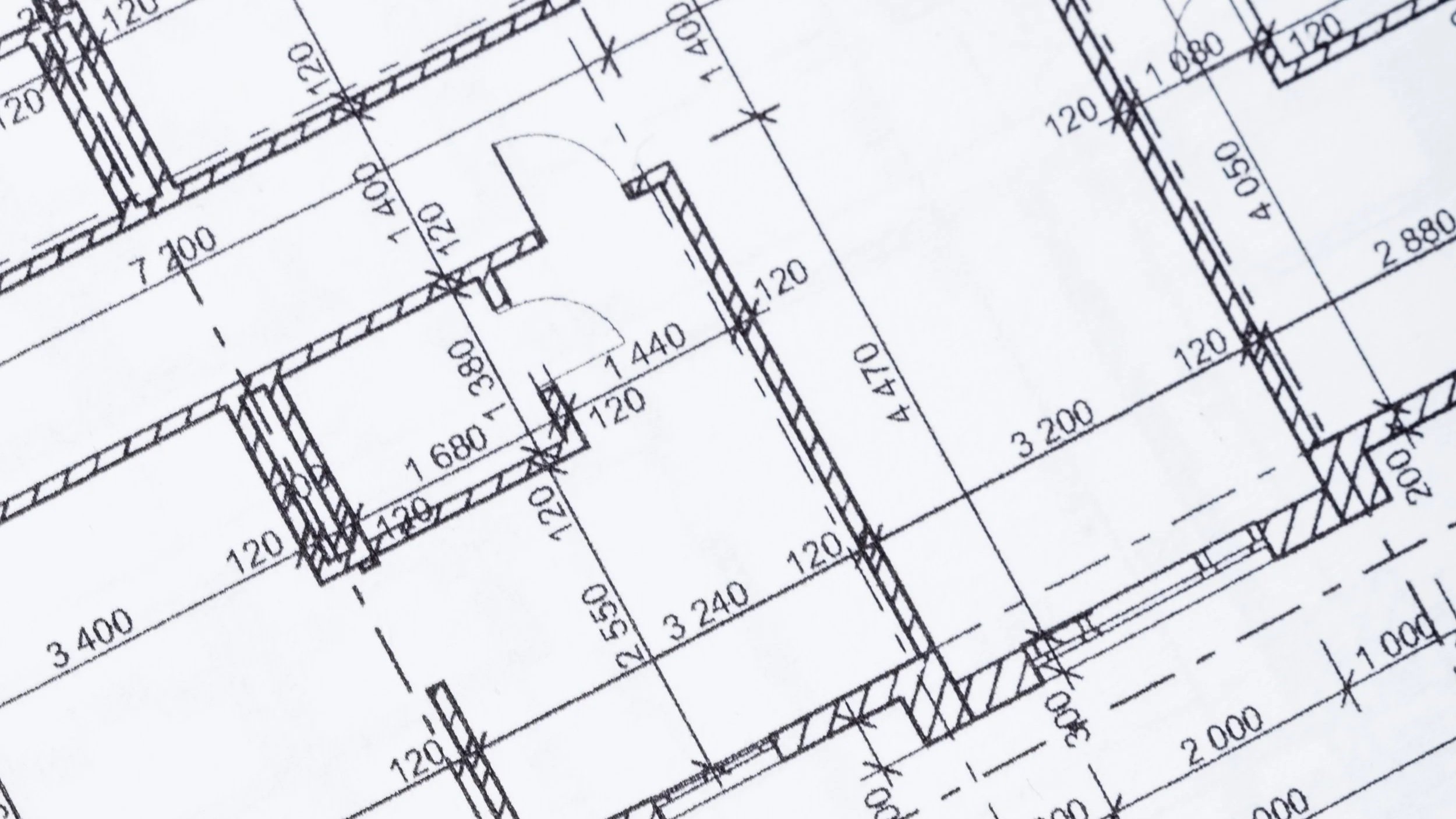
Choose from flexible session lengths (hourly, half-day, or full-day) based on your project’s scale and complexity. You can book your walkthrough or contact our team below for guidance.
-
Step 2: Send Us Your Plans
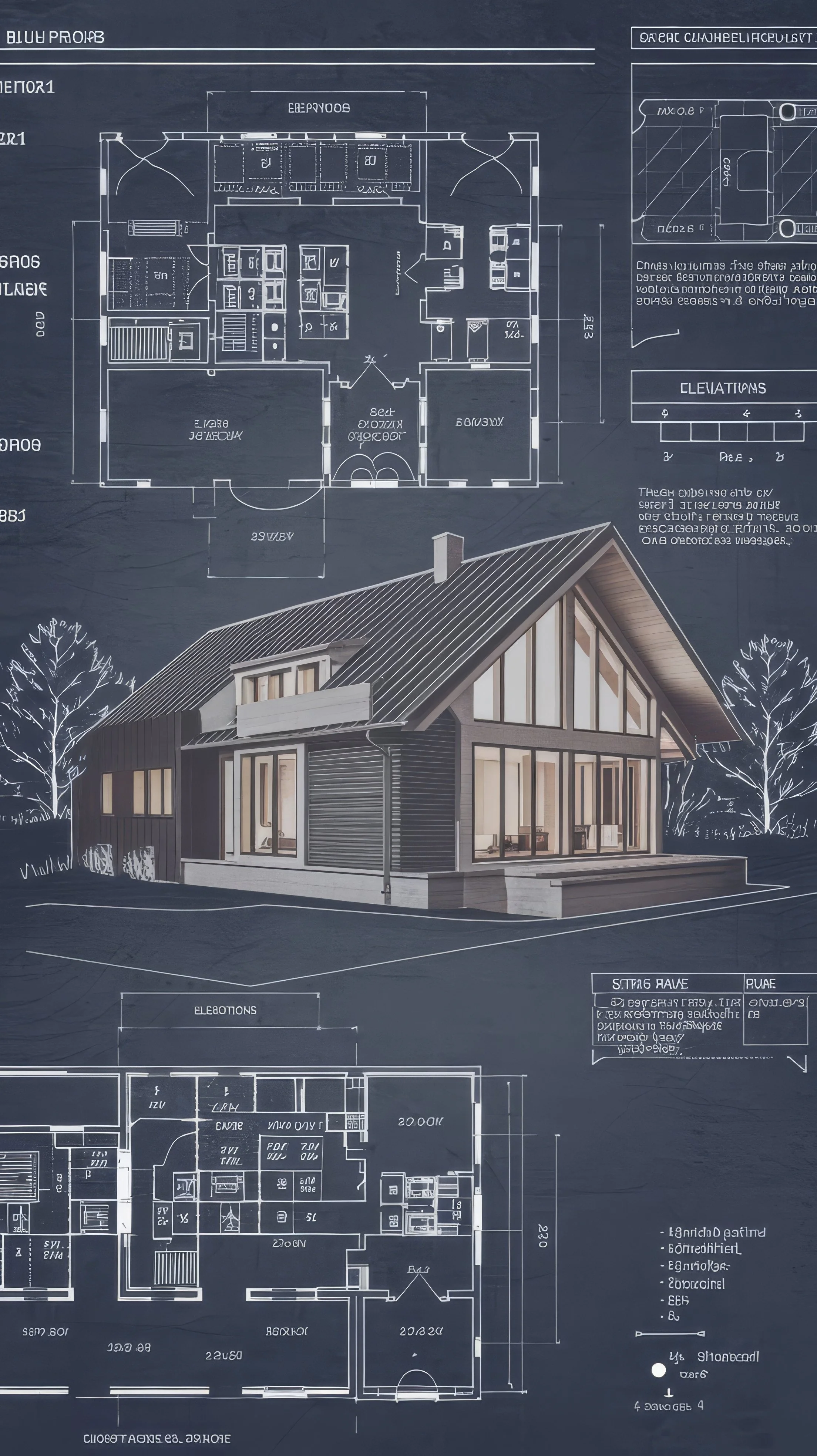
Submit your drawings (PDF, CAD, images, etc.) in the booking form when you schedule your session. Our team will prepare your layout so it’s ready to walk the moment you arrive.
-
Step 3: Experience Your Space
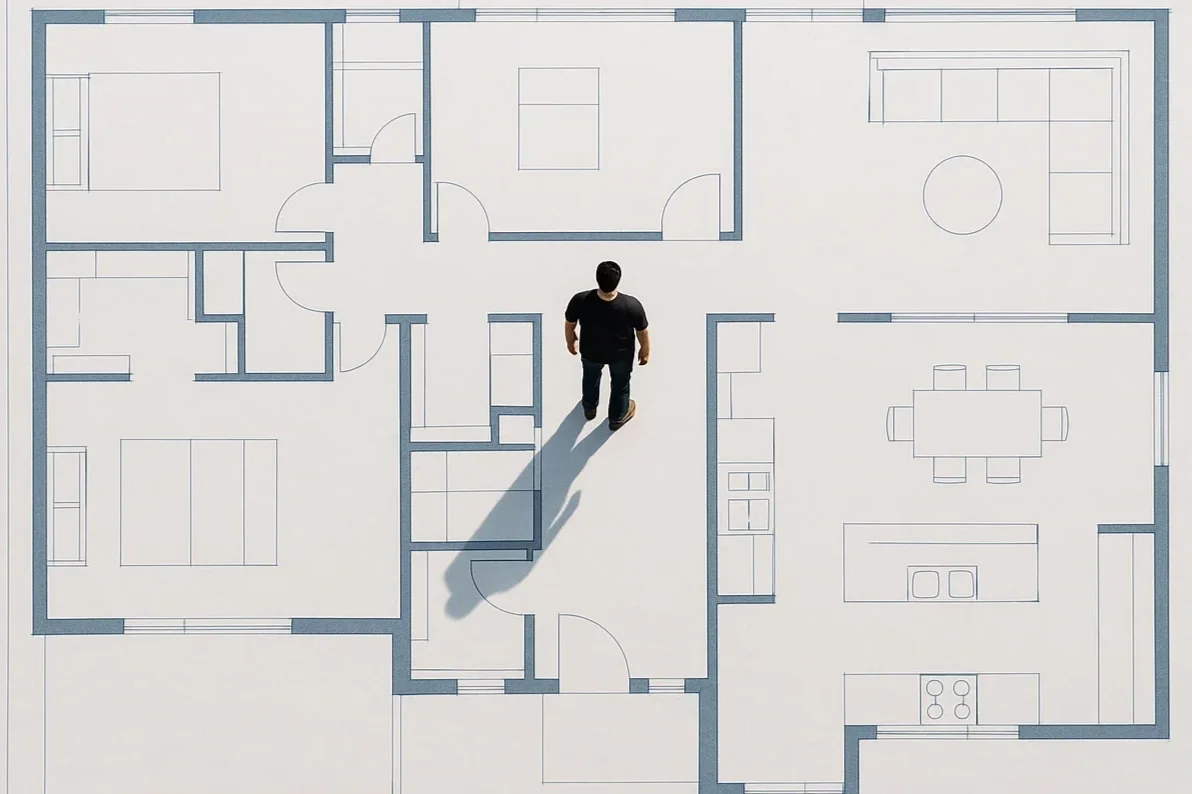
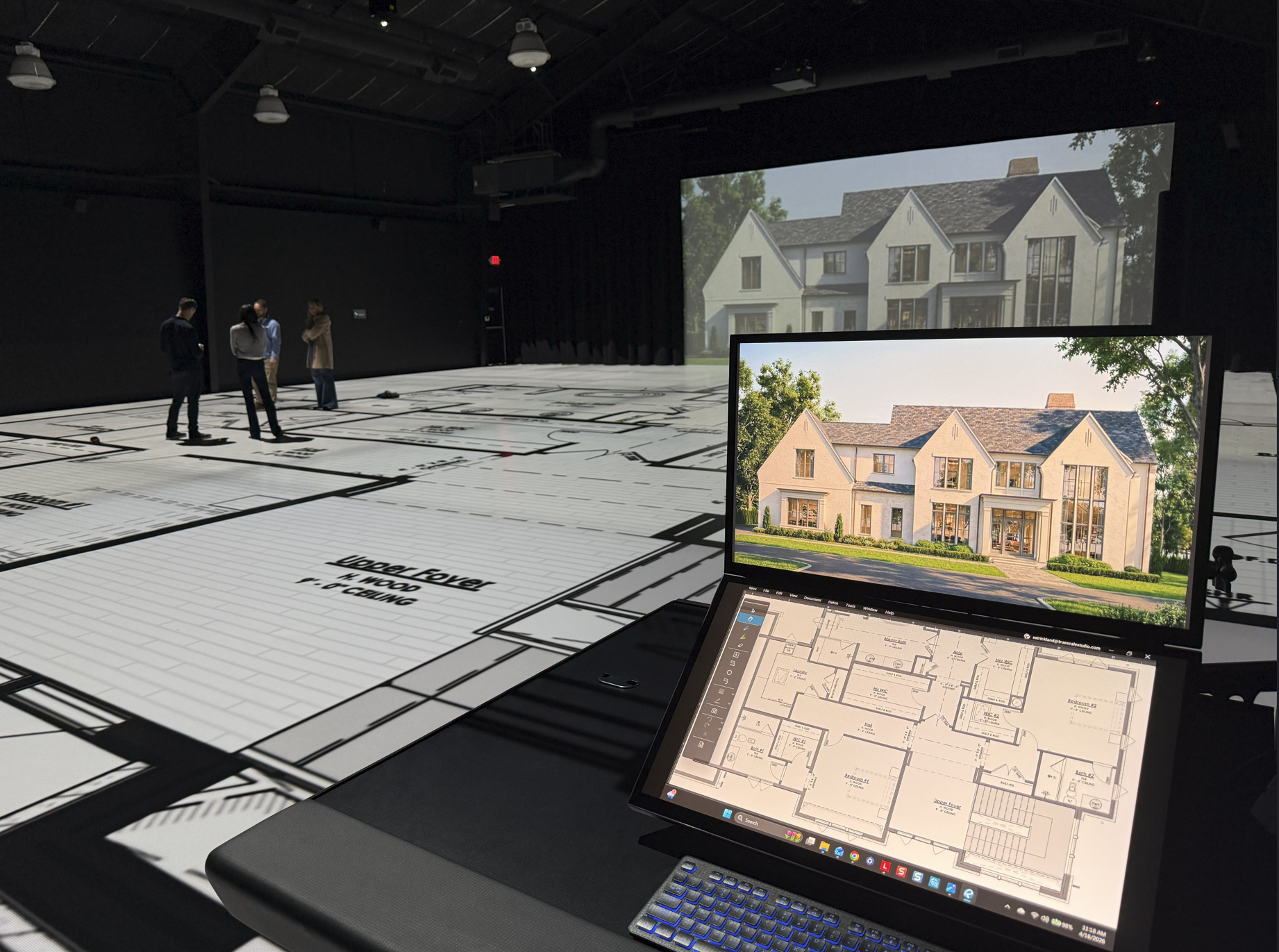
Step inside your design—literally. Move through rooms, corridors, workspaces, or production areas at real-world scale to evaluate the functionality, flow, and sizing of your building layout.
-
Step 4: Build with Confidence
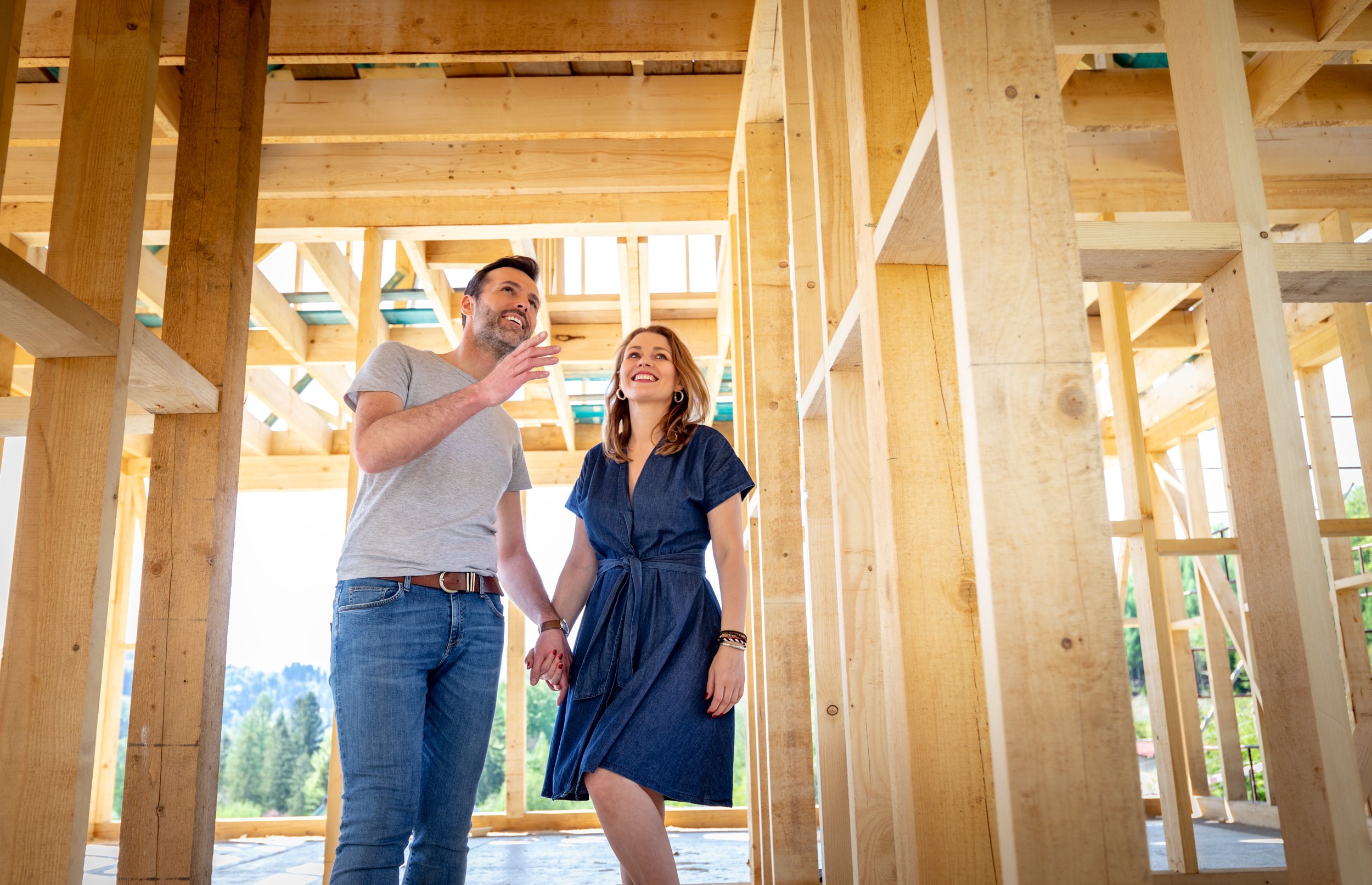
Resolve design challenges before they become costly change orders. Leave with a clear, validated plan and the confidence that your building will perform exactly as intended.
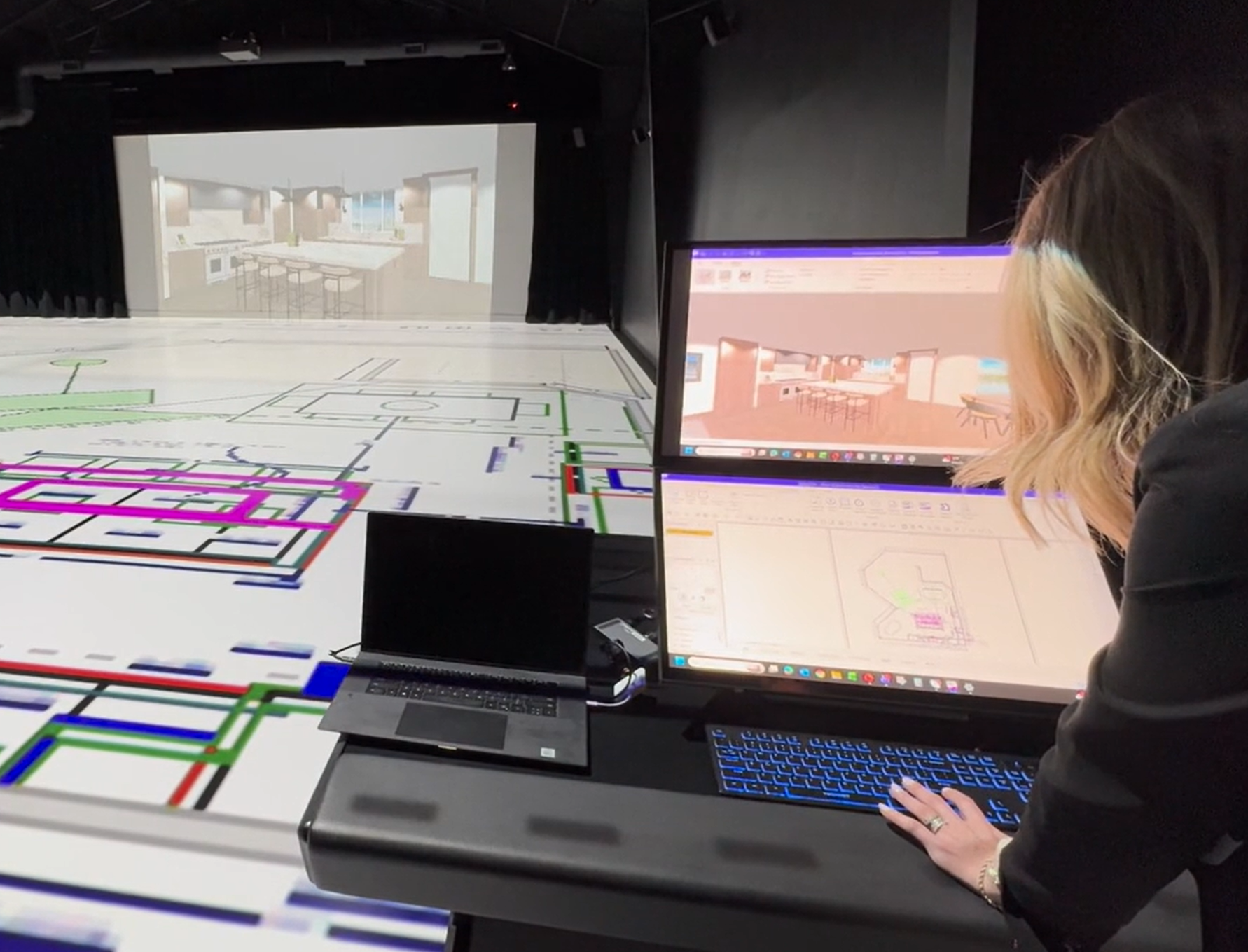
Clients looking to expand their toolset can plug into our state-of-the-art command station. Connect a laptop and turn our projection surfaces into secondary displays, mapped in real time with zero latency.
Use the software you know for advanced visualization or designing in real time. Whether you use Revit, Rhino, AutoCAD, Bluebeam, or Sketchup, if you can display it on your screen, we can project it at 1:1 scale.
Plug-and-Play Option:
Booking Options
-
Tell us about your project and we’ll answer any questions you may have about the TrueScale experience.
-
Industry professionals looking to explore our services are invited to see our technology in action and get a tour of our studio.
-
Perfect for remodels, single rooms, or focused test-fit reviews. Ideal for smaller projects (2,000 SF or less) or when you need quick validation.
-
For layouts between 2,000-3,000 SF
-
Our most popular option for residential or light commercial layouts (3,000 - 5,000 SF). Offers enough time to walk full homes, test flow, and align teams.
-
For homes larger than 5,000 SF, commercial buildings, or design reviews involving multiple trades.
-
Tailored for commercial, hospitality, or industrial spaces. Provides time for teams to walk, collaborate, and refine designs in real time.
-
Best for builders, developers, and large-scale projects. Walk multiple layouts, refine designs with multiple stakeholders, and make every decision with clarity.
Includes lunch for up to 10 guests.
-
Looking for a unique space to host your next event? TrueScale Studio is a premium venue where hosts can leverage our visualization tools with endless creativity.
Frequently Asked Questions
-
Our system natively supports PDF files and most image files (PNG, TIFF, JPG, etc.). We can also play movie files if you have a 3D walkthrough or other media you want to display.
Connecting a laptop to our command station allows you to display any files that can be opened on your screen. This includes common applications like AutoCAD, Revit, and Sketchup.
-
We recommend drawing files that are published directly from the design professional’s software.
Where possible, have your design professional provide clean versions of the floor plans with dimension strings, annotations, revision clouds, and other notes hidden because they make it more difficult to visualize spatial boundaries.
If you have furniture or equipment layouts, we recommend submitting those as well because they assist in spatial visualization.
-
Yes. Clients looking to expand their toolset can plug into our state-of-the-art command station. Connect a laptop and our projection surfaces become your secondary display, mapped in real time with zero latency.
-
Full scale design reviews are used by homeowners, architects, builders, and developers across residential, commercial, and industrial projects and help:
Catch design errors early before they become costly construction changes.
Improve collaboration between homeowners, builders, and designers.
Save time and money by reducing revisions and guesswork.
Experience spatial clarity by understanding how your design feels and flows in real space.
-
Sessions are billed in 30-minute increments, with a minimum booking time of 1 hour. Contact us for the latest pricing.
-
Bring anyone you’d like. We encourage owners to bring their design professionals and/or contractors because it will maximize the effectiveness of your session.
-
Each project will vary depending on the size, complexity, and scope of the building, but clients can typically expect to walk 2,000 SF per hour. Contact us or set up a Discovery Call for a more precise estimate based upon your specific needs.

Still Have Questions?
If you’d like to learn more about the process, session options, or how TrueScale Studio can support your project, our team is happy to answer your questions and help you find the right fit.